An alternative to Text to Speech! for reading
Text to Speech! is a popular free app that speaks what you type in Apple’s built-in voices, handy when you need a voice in a conversation or a call. It shows ads, and its App Privacy label lists data used to track you. If what you need is to listen to documents and books, Aloudy is built for that.
Why people look for a Text to Speech! alternative
The two apps do different jobs: one speaks your words, the other reads your documents.
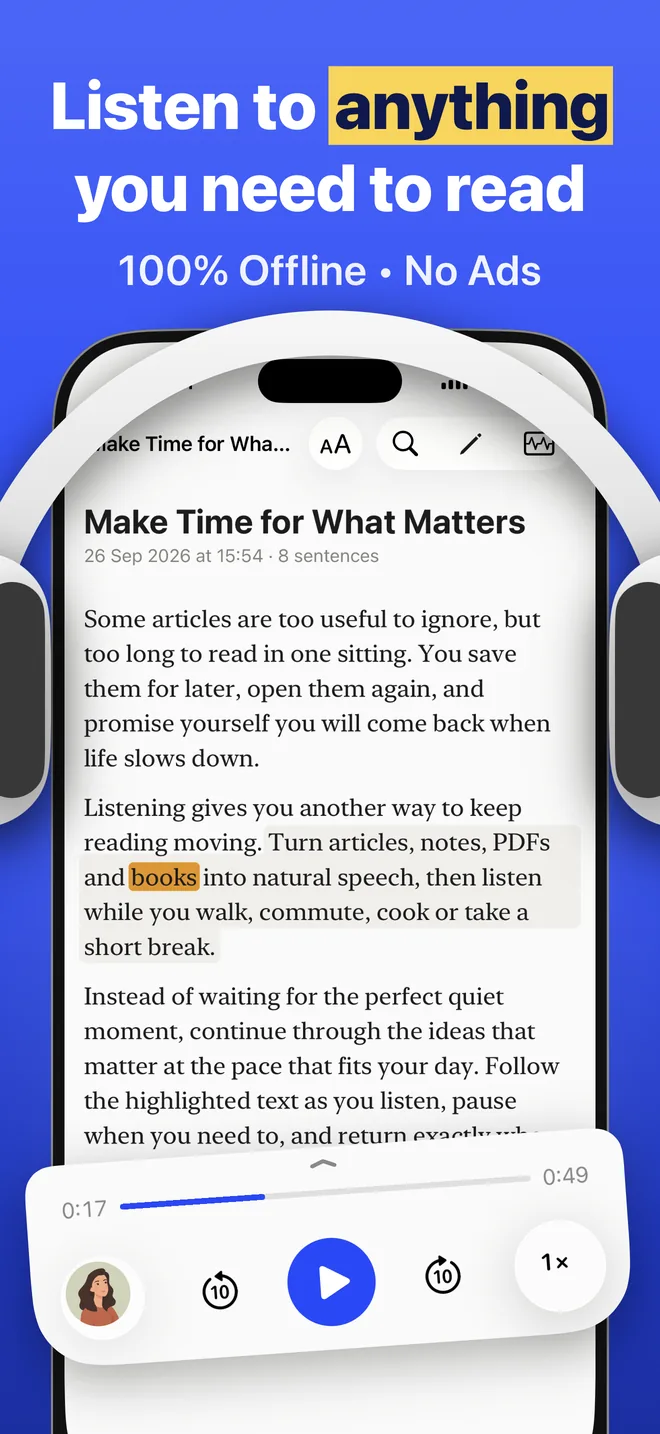
- Documents, not just typing. Aloudy opens PDF and EPUB in their original layout, plus Word, websites and scanned pages.
- Neural voices. Text to Speech! uses Apple’s system voices. Aloudy’s voices are neural AI models that sound closer to a person and still run offline.
- No ads, no tracking. Text to Speech! shows ads (removing them costs $9.99), and its label lists location and identifiers used for tracking. Aloudy has neither.
Text to Speech! vs Aloudy
Facts checked on September 26, 2026. Prices and plans can change; see each app’s App Store page.
Which one should you choose?
Choose Text to Speech! if you need a voice for yourself: to speak in a conversation, on a call or with your Personal Voice.
Choose Aloudy if you want to listen to PDFs, books and articles in natural voices, with no ads.
Text to Speech! alternative: questions
Which text to speech app is best for reading PDFs?
Pick an app built for documents. Aloudy reads PDF and EPUB in their original layout with the spoken sentence highlighted, in neural voices that work offline.
Does Aloudy show ads?
No. There are no ads in Aloudy, free or Pro.
Can Aloudy speak what I type?
Yes: paste or type text into a note and Aloudy reads it aloud. It isn’t designed for live conversations or phone calls, though.
Listen to documents, not ads
Free to start. Works offline, no account needed.